.svg)
Instant Provisioning
Upload a CSV and every student gets a running VM within minutes. No manual setup, no waiting.
Upload a class roster. Every student gets a running Windows or Linux VM, accessible from any browser — no software, no VPN, no IT ticket.
What you get
Provisioned in minutes. Accessible from anywhere.
Upload a CSV and every student gets a running VM within minutes. No manual setup, no waiting.
Full desktop access via noVNC in any modern browser. No client software or VPN required.
Sign in with existing credentials. Supports SAML, CAS, Microsoft Azure AD, and Authentik out of the box.
Clone any Proxmox template — Windows Server, Ubuntu, Rocky Linux, or your own custom lab image.
Start, stop, and monitor every student VM from one view. Bulk power actions across an entire course pool.
The student dashboard works on phones and tablets. Access your lab environment from any device.
Simple by design
Three steps. That's it.
Upload a student roster. ClassCloud parses names, generates credentials, and queues provisioning automatically.
Each student gets their own VM cloned from your Proxmox template, assigned an IP, and powered on.
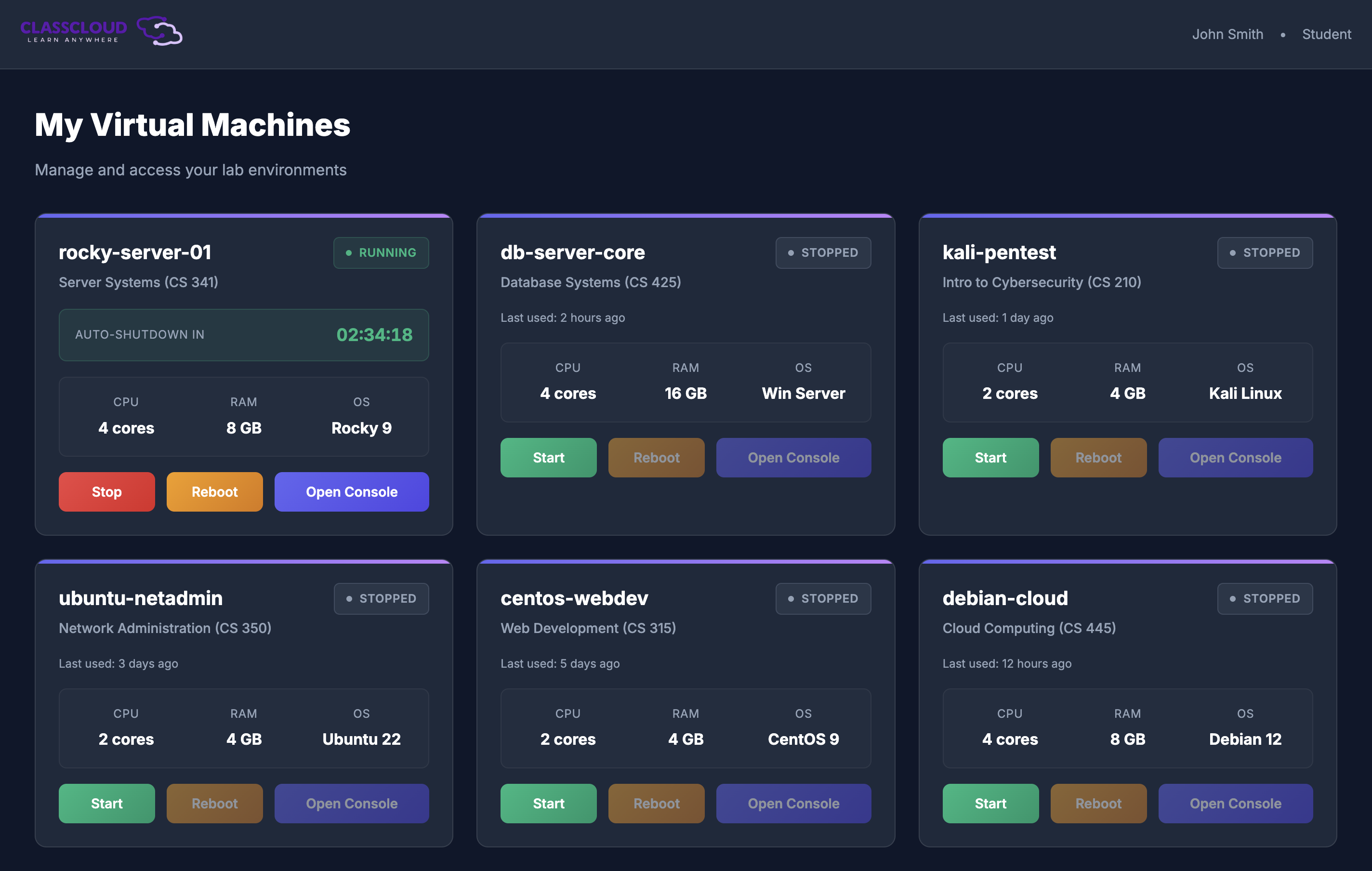
Students see their VM on the dashboard and click Launch Console — full desktop, zero installation.
Get a 30-minute walkthrough on a real tenant. We'll answer your IT team's questions and scope your rollout.
Request a demo